Hypic – Photo Editor AI Art
Hypic – Photo Editor & AI Art is a stunning all-in-one photo editing app to allows users to make changes to their photos

Safe & Secure
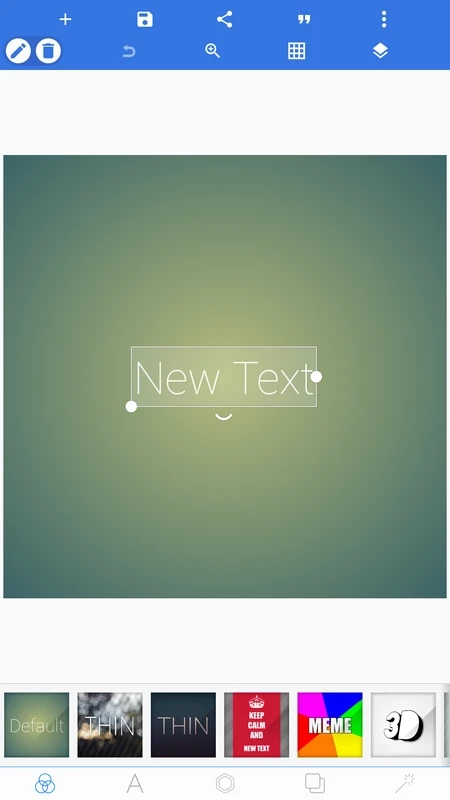
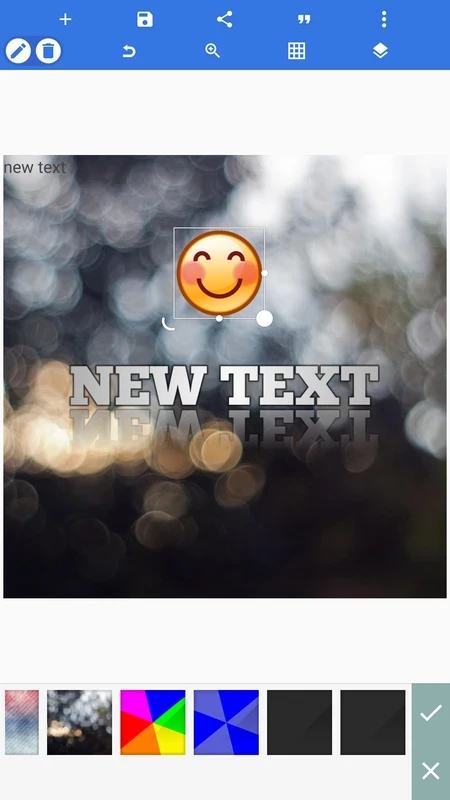
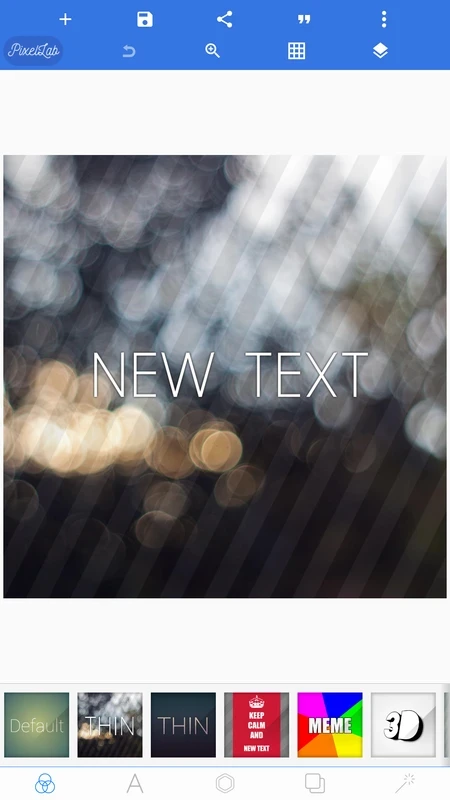
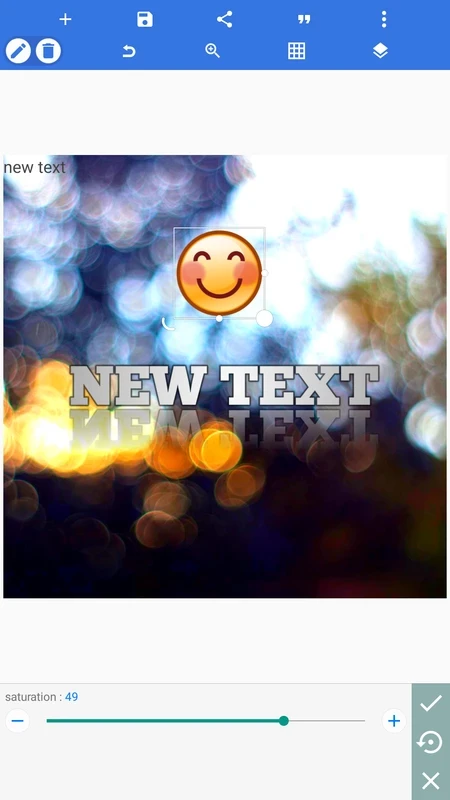
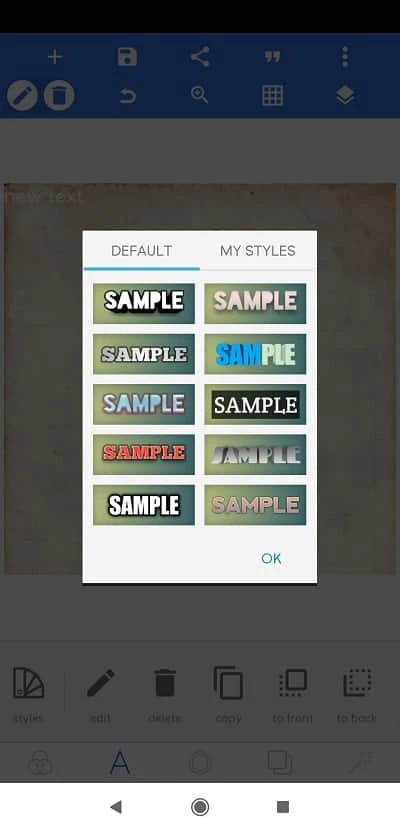
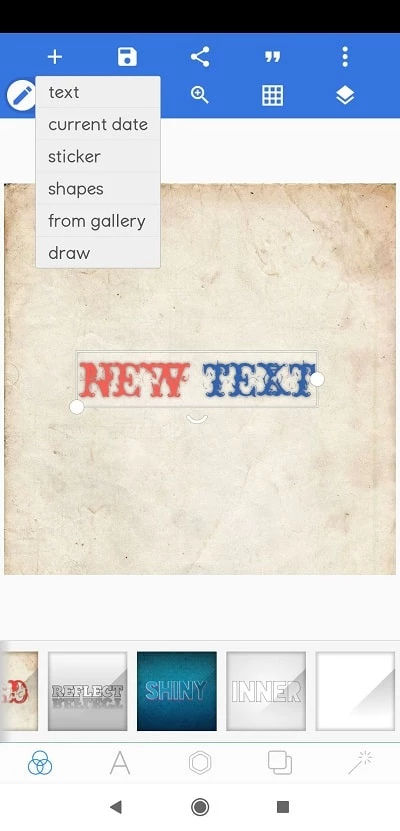
PixelLab is a comprehensive photo editing software for adding text to your pictures. It is a simple and free to use app to enables the users to use premade templates or create their own from scratch, and edit stunning photos for their phone’s gallery. The app, with simplicity and versatility, offers enrich and straightforward workflow.
You will find a huge collection of photo editing apps on the Play Store with a lot of innovative functionality, but not all have the features that one desires, so you have to select a utility that better suits your requirements. PixelLab is one of such apps that allows users to add stickers, text, drawings, and other creative elements.
PixelLab is a free and efficient photo editor developed by App Holdings, specifically designed for Android devices, but you can use it for Windows computers, iOS devices as well. It allows users to create or edit photos and export them within a few clicks without format limitations.
The app with user-friendly interface helps to enhance your creativity while giving personalized touches, and share on multiple social media platforms, or use them for other professional purposes. The simplicity is the one big deal; even a novice can use it more reliably.
Simplicity and versatility are two main features offered by PixelLab, as the app offers a user-friendly interface with easy navigation to multiple features. It offers services for both; the professionals and new learners. In addition, it offers a huge collection of features and allows users to use them in different styles to enhance their creativity.
Adding text effects to any photo, banner, card, memes is one of the best options, as it helps to create stunning visual content and convert a simple picture into an extraordinary style. This feature enables users to add watermarks, comments, captions, and other such things more reliably. You can select your desired effects from the huge variety of 3D Effects available within the app, or type your own text while editing your photos.
Along with text effects, the app also offers other innovative elements, including premade templates, stickers, emojis, and even your own photos while editing. In addition, you are also capable of drawing on your photos within the built-in brush tool. Here, you can also import logos or brand signs to add them to your creation.
As the app offers awesome services related to text adding to your edits, fonts are one most necessary elements, because different fonts make your creation look stunning and unique. The app supports more than 100 font styles to select according to your brand style or other preferences. You can change the font of imported text, and even for typing your own words.
You can personalize your photos while using a huge collection of features, including backgrounds, textures, effects, and so on. In addition, you can use all basic editing features such as brightness, contrast, and saturation to quickly image corrections. Give enhanced custom style to your images with fill text with solid colors, gradients, image texture, and so on. It also offers instant sliders to set size, spacing, and alignment accurately.
Some of our photos are captured nicely, but with an unmatched background, it can create uneasiness, so we avoid or hide such pictures. The app reliably fixes the irritating issue while offering a background remover. It offers fast cutouts while working with green, blue, or white screens. Simply, import the picture and add a new background while removing the existing one. It also offers perspectives to fix skewed angles and wrap tools for placing text on signs, screens, or mockups. It is the best choice to edit logos, passport photos, and other product images.
If you don’t have preset effects for your editing, you can avail multiple unique effects offered by the developers. It will improve the quality of your photos and enhance their beauty while using the filters, as the app also offers unique filters along with common effects.
In addition, you will also find multiple advanced editing options, including layers, blending modes, etc to manage complex graphic designing. So, the versatile tool is equally reliable for both; the professional and casual use.
After using the app’s capabilities to create an inspirational masterpiece, you can share it with others. The addition of a social dimension also enhances creative collaboration and allows users to select the resolution and format before sharing images with others.
Pros
Cons
Hypic – Photo Editor & AI Art is a stunning all-in-one photo editing app to allows users to make changes to their photos

Aarya Editz is a popular photo and video editor that offers a lot of easy-to-use editing tools

Canva enhanced graphic design with huge editing assets

Background Eraser remove background to make it transparent and seamless editing to refine the pictures.

Remini enhance old and blurry images and selfies with AI-powered enhancer

Supports DSLR-like controls to offer optimized photography up to 4K Ultra HD